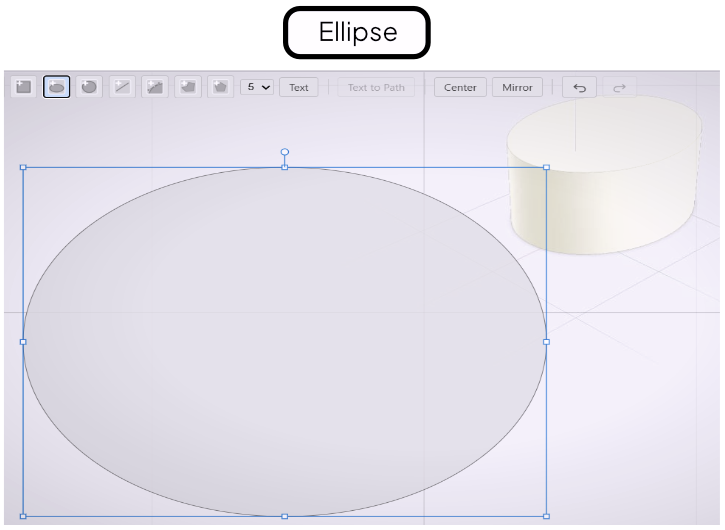
Ellipse Tool
Draw ellipses and ovals as profile shapes.
The Ellipse tool draws ellipses and ovals. Width and height are set independently, so the result can range from a near-circle to a flat, wide oval.
Drawing an Ellipse
Select the Ellipse tool from the toolbar. Click to set the center point, then drag to define the shape. Dragging horizontally sets the width; dragging at an angle sets both dimensions simultaneously. Release to place the ellipse.
Adjusting Width and Height
After drawing, select the ellipse to see its dimensions in the Value References panel. Type values directly into the Width and Height fields for precise control, or drag the on-screen handles to adjust interactively.
When to Use the Ellipse Tool
Use the Ellipse tool whenever the profile is not a perfect circle — elongated shafts, oval cutouts, and eye-shaped slots. For perfect circles, use the Circle tool instead.