Importing STEP Files
Import precision CAD geometry from STEP files — tessellated into mesh geometry for boolean operations and export.
STEP (.stp, .step) is the standard exchange format for precision CAD data. Most mechanical CAD tools can export it, and it carries exact geometry — curves, surfaces, and solid definitions — rather than a pre-triangulated mesh.
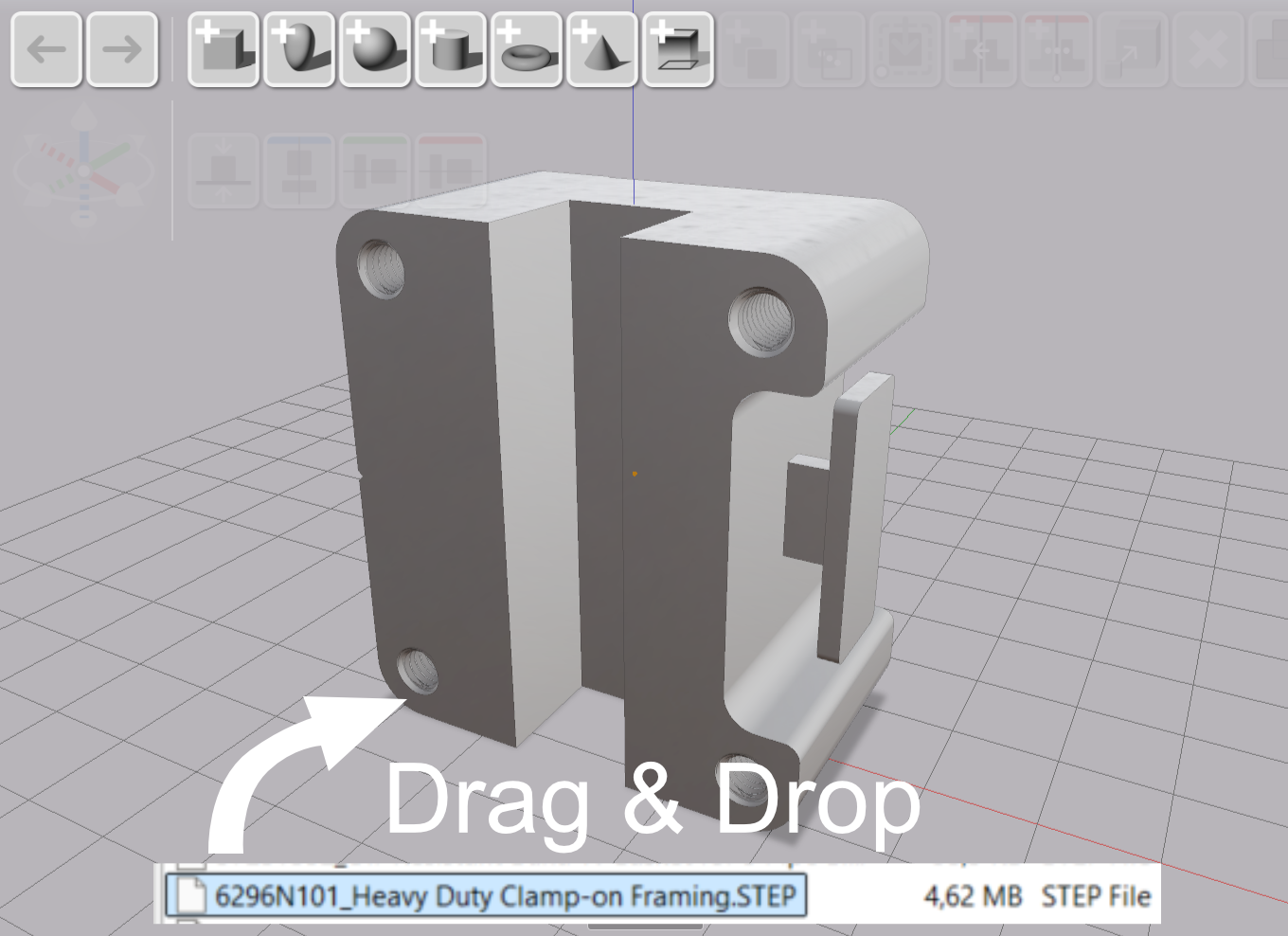
Drag a STEP file into the viewport, or use File → Import 3D from the menu.
Tessellation
AdaShape tessellates STEP geometry using OpenCASCADE, converting the exact surfaces into a triangle mesh. The result then goes through the same mesh healing pipeline as other 3D imports — vertex welding, hole filling, and quality validation.
STEP files from mechanical CAD tools are typically watertight by construction, so they import cleanly and work well with boolean operations.
What You End Up With
The imported geometry is a triangle mesh. It is not re-editable as a CAD solid — you cannot modify the underlying curves or surfaces. What you can do is place it in the scene, use it in boolean operations (union, cut, intersect with other objects), and export it.
If you need to import a part from another tool and work with it alongside geometry you model in AdaShape, STEP is the most reliable route. The tessellation quality from OpenCASCADE is high, and the precision CAD origin means the mesh will almost always be watertight on arrival.