Profile
Use a circle or a drawing as the cross-section, set its size, and fix a bend that is too tight for it.
The profile is the cross-section that the curve extends along its path. A new curve has a circle profile. You can replace it with any drawing from the catalogue.
Choosing the Profile
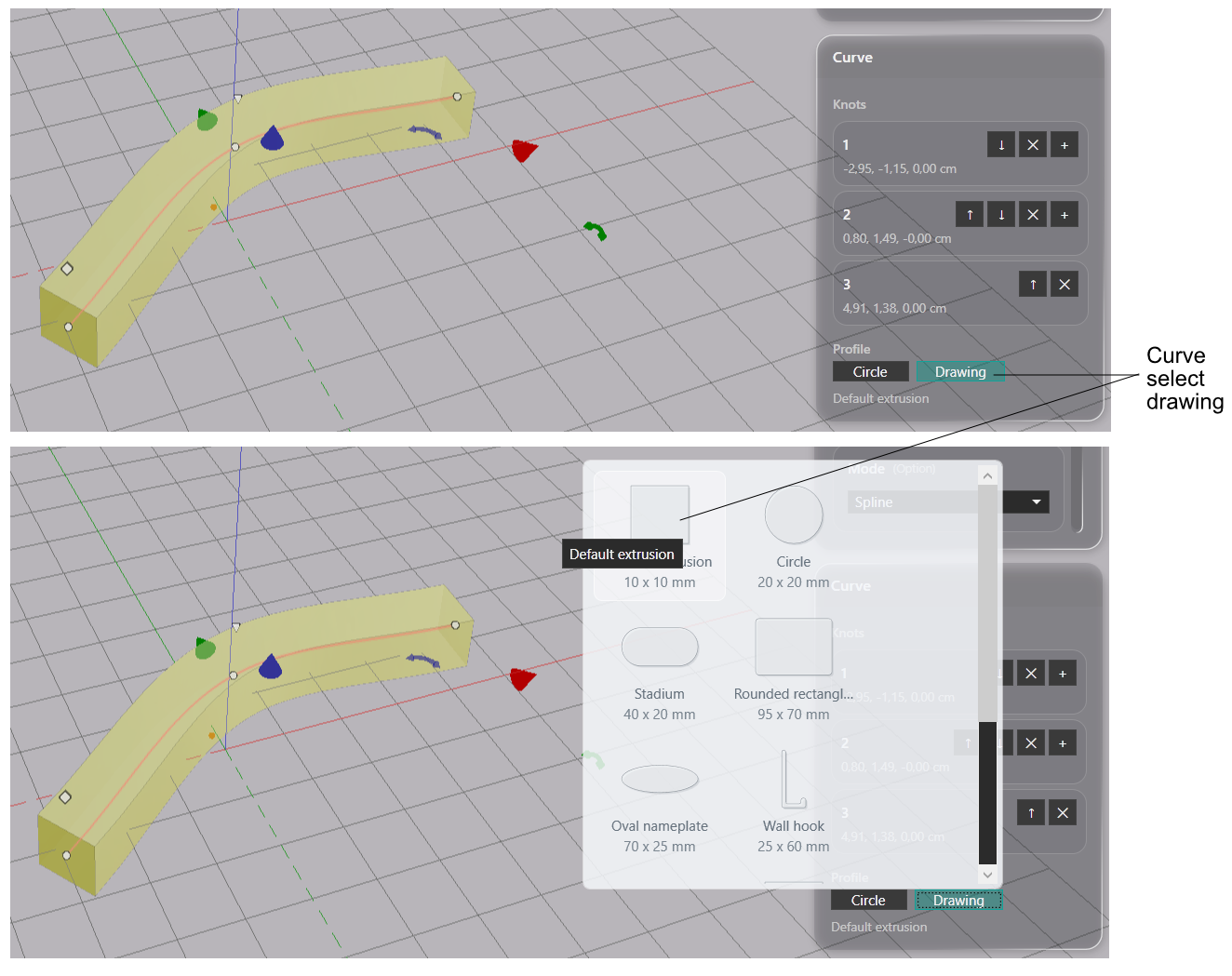
The Profile row at the bottom of the Curve panel has two options.
- Circle — a round cross-section. Radius in the Value References panel sets its size.
- Drawing — opens the drawing quick-select menu. Pick a drawing from the catalogue. Scale in the Value References panel sets its size as a multiple of the drawn size: 1 extends the drawing as drawn, 0.5 at half size.
Drag the size handle at the second point to change the radius or the scale in the viewport.
Any drawing in the catalogue can serve as a profile, including one made with Recover Drawing.
Tight Bends
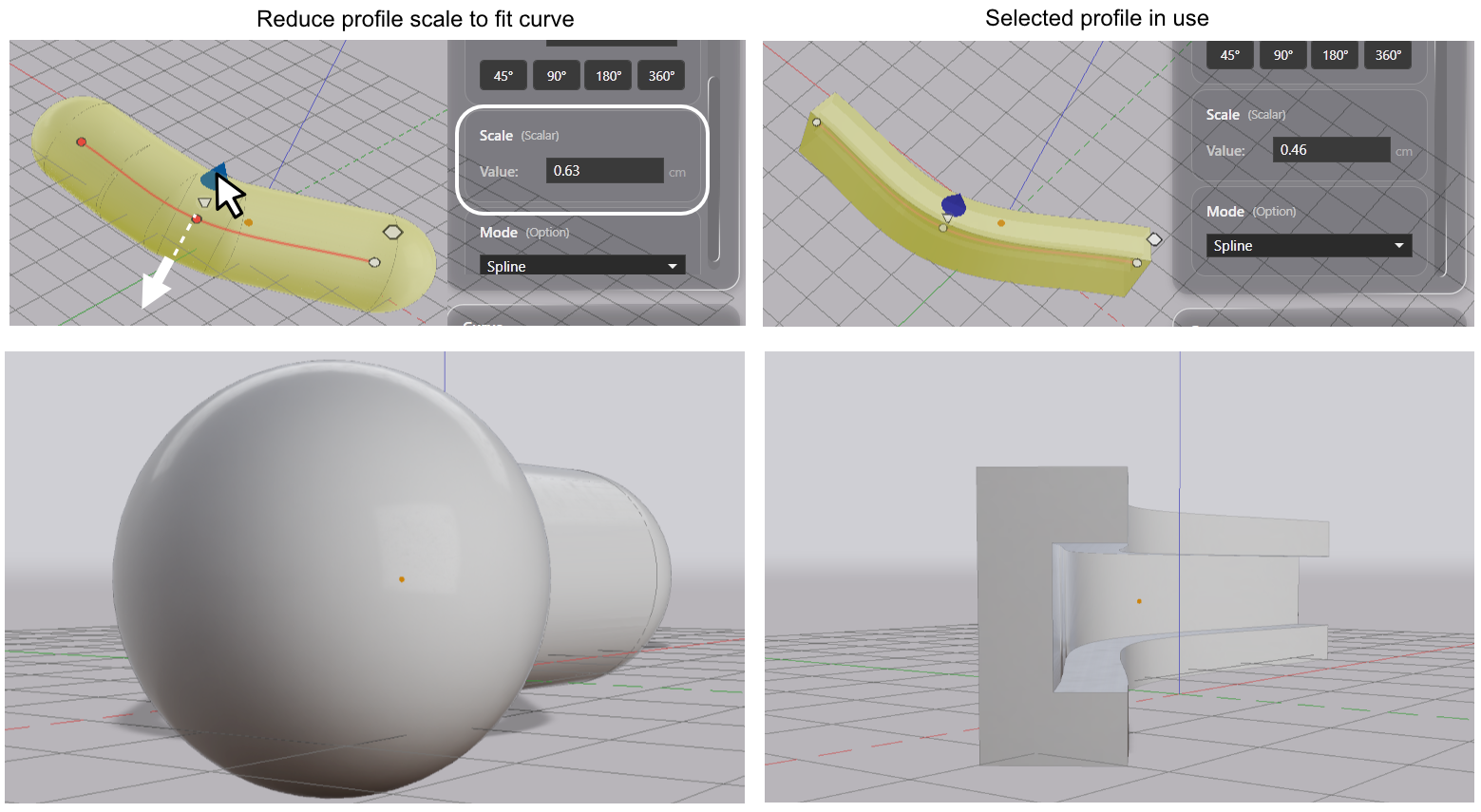
A bend can be too tight for a profile of a given size and shape. The surface would fold through itself. When that happens, the curve falls back to a circular profile that fits the bend. The centerline and the two points at the tight spot turn red.
To bring the drawn profile back, scale the profile smaller, or move the points so that the bend is gentler.