Display Units
Set whether numeric values display in centimeters, millimeters, or inches throughout the application.
Go to Settings → Units and choose Centimeters, Millimeters, or Inches.
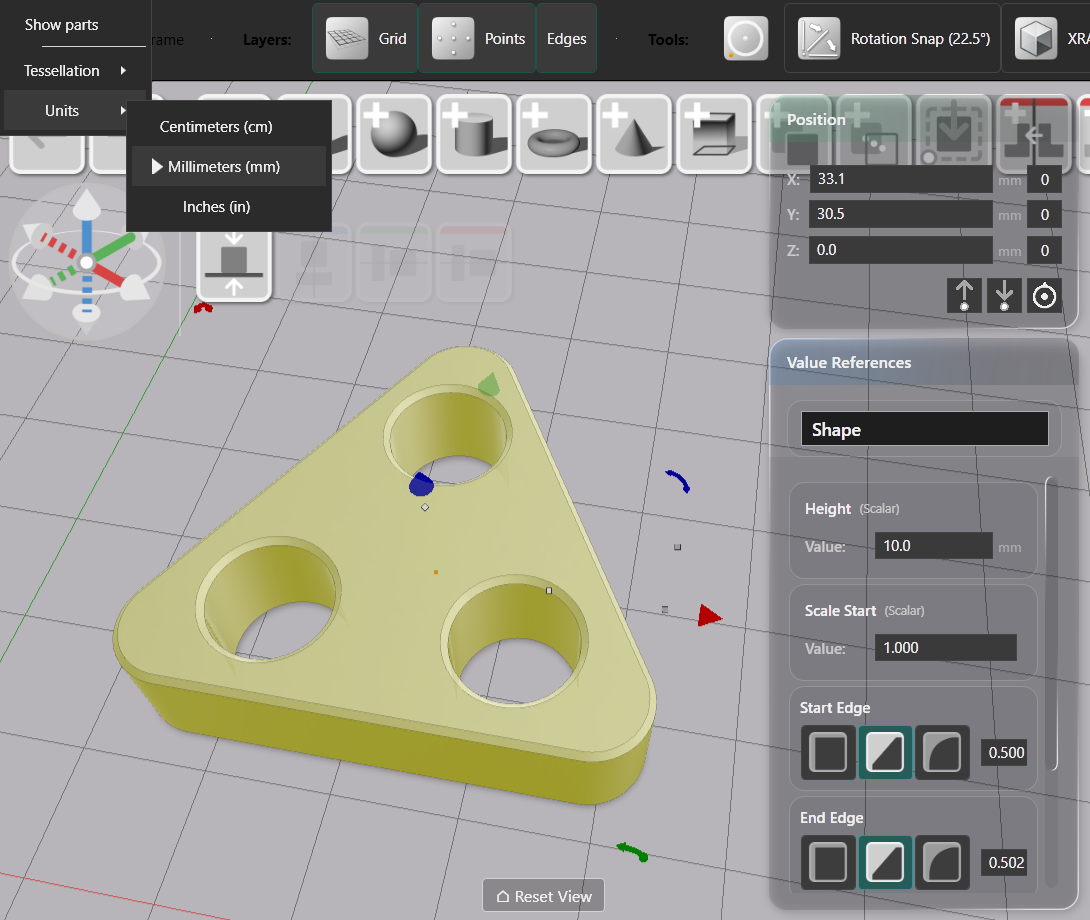
The selected unit applies everywhere numeric values appear: the Value References sidebar, the Position Editor, and the Drawing Editor all display and accept input in the chosen unit.
Display preference only
The unit setting is a view preference. It does not convert or modify your model. Internal data is always stored in centimeters. Changing the unit changes how values are presented on screen — nothing else.
Because the setting does not touch model data, it creates no undo point.
Choosing a unit
Work in whatever unit matches your design intent. Millimeters suit most mechanical and product work. Inches suit work destined for the US market or tools calibrated in imperial measurements. Centimeters are the internal baseline and work well for larger objects.
You can switch units at any point in a project without consequence.