Placement Orientation Modes
Align the move and rotate handles to the world axes, to the selected shape's own axes, or to the Focus Pointer.
The move and rotate handles on a selected shape follow one of three frames. By default they follow the world axes. You can switch them to the shape’s own axes, or to the frame of the Focus Pointer.
A toolbar button beside the Rotation Origin toggle cycles through the three modes. Each click selects the next mode.
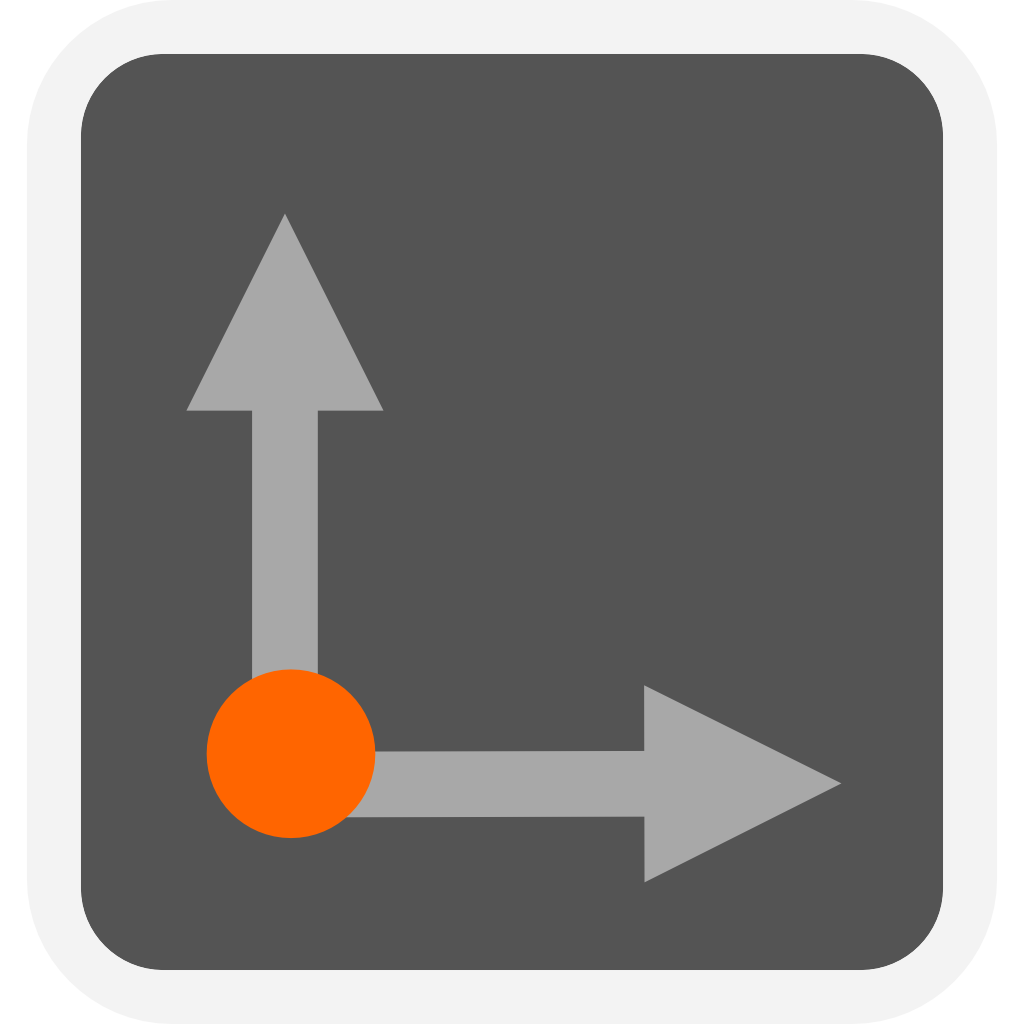 |
Global Move and rotate along the world axes. |
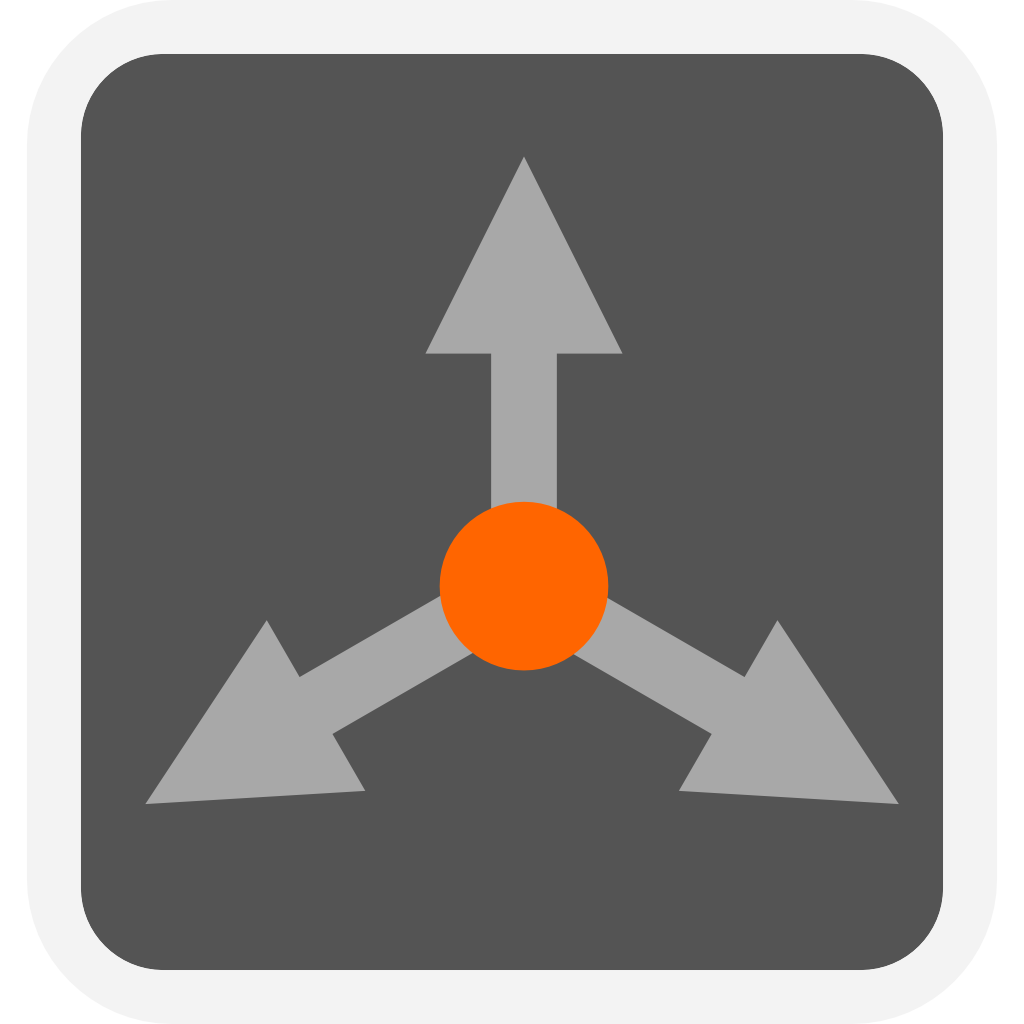 |
Local Move and rotate along the selected shape's own axes. |
 |
Focus Move and rotate along the Focus Pointer's frame. |
When to Use Each Mode
Global is the default. Use it to move a shape along the X, Y or Z axis of the scene.
Local aligns the handles to the shape’s own axes. Use it to slide a tilted part along its own length, or to turn it about its own axis.
Focus aligns the handles to the frame of the Focus Pointer, which snaps to the surface you clicked. Place the Focus Pointer on an angled face and switch to Focus. The move handle then slides the selected shape along that face.
Note: Focus is available only after a Focus Pointer has been placed.