Split Into Parts
Break a shape that consists of several disconnected pieces into one shape per piece.
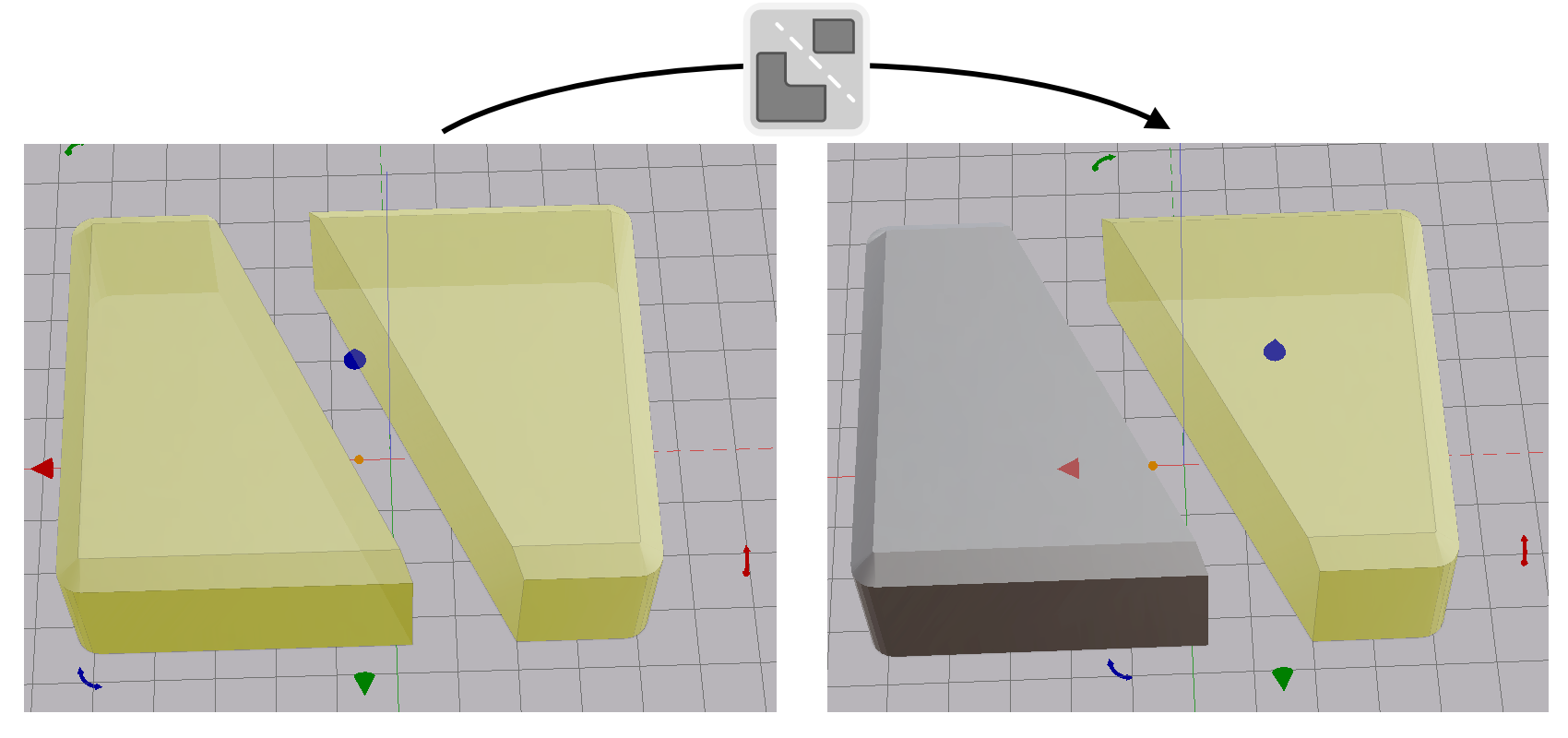
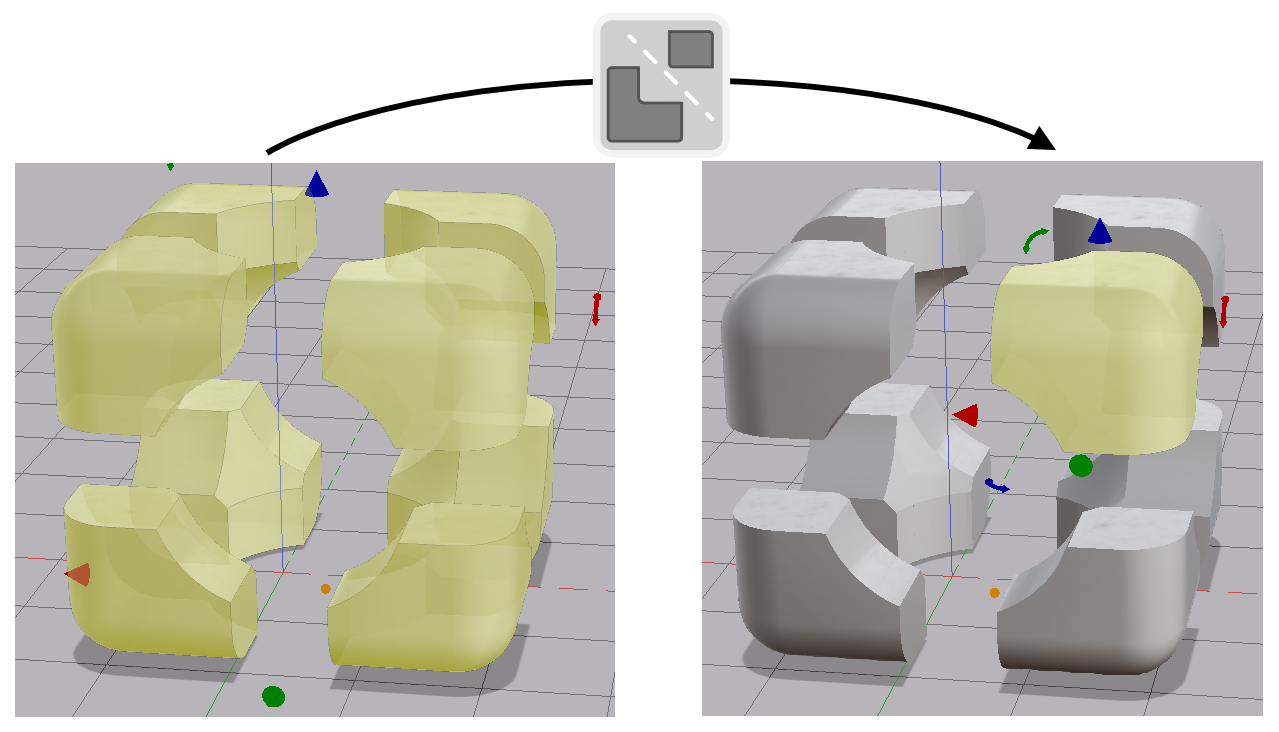
Split Into Parts breaks a shape into its disconnected pieces. Each piece becomes a shape of its own. Use it on an imported model that arrived as one shape, or on a Cut that left a part in two pieces. You can then move each piece on its own.
Splitting a Shape
- Select a shape that has more than one disconnected piece.
- Click Split Into Parts in the toolbar.
Each piece becomes a separate shape in the same position. The original shape is hidden, not removed.
Note: A shape with a single connected piece has nothing to split.