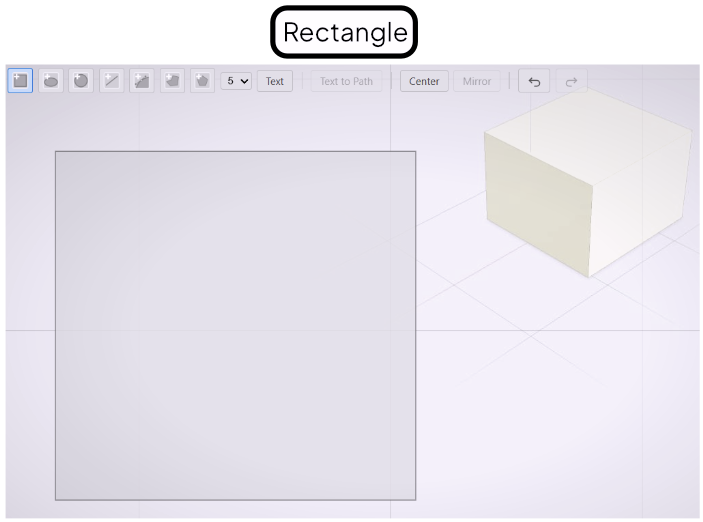
Rectangle Tool
Draw rectangles with optional rounded corners.
The Rectangle tool draws axis-aligned rectangles. Use it as the starting point for frames, plates, slots, and any profile with straight sides.
Drawing a Rectangle
Select the Rectangle tool from the toolbar. Click to set the first corner, then drag to the opposite corner and release. The rectangle appears as a closed path in the drawing canvas.
Rounding Corners
After drawing, a corner-radius handle appears near one corner. Drag it inward to apply a uniform radius to all four corners. The radius value updates in the Value References panel and can be typed in directly.
3D Preview
The 3D preview updates as you work. Closing the editor commits the profile and rebuilds the extruded shape.