Recover Drawing
Save the cross-section of a shape where it crosses the ground plane as a drawing in the catalogue.
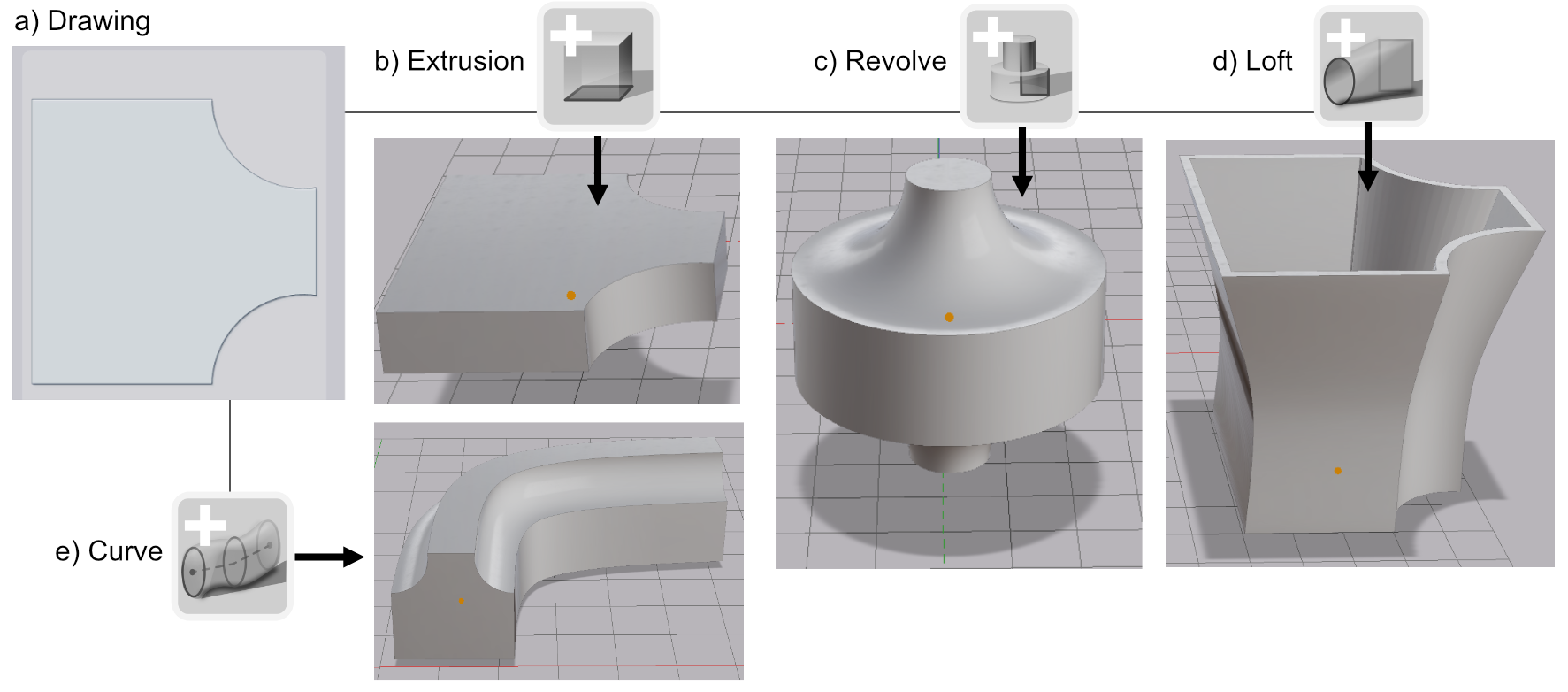
Recover Drawing saves the cross-section of a shape as a drawing. The section is taken where the shape crosses the ground plane. The drawing goes into the catalogue, and from there you can use it wherever a drawing is accepted: an extrusion, a revolve, a loft profile or a curve profile.
Use it to get an editable outline from an imported mesh, or to reuse the section of a shape you built in 3D.
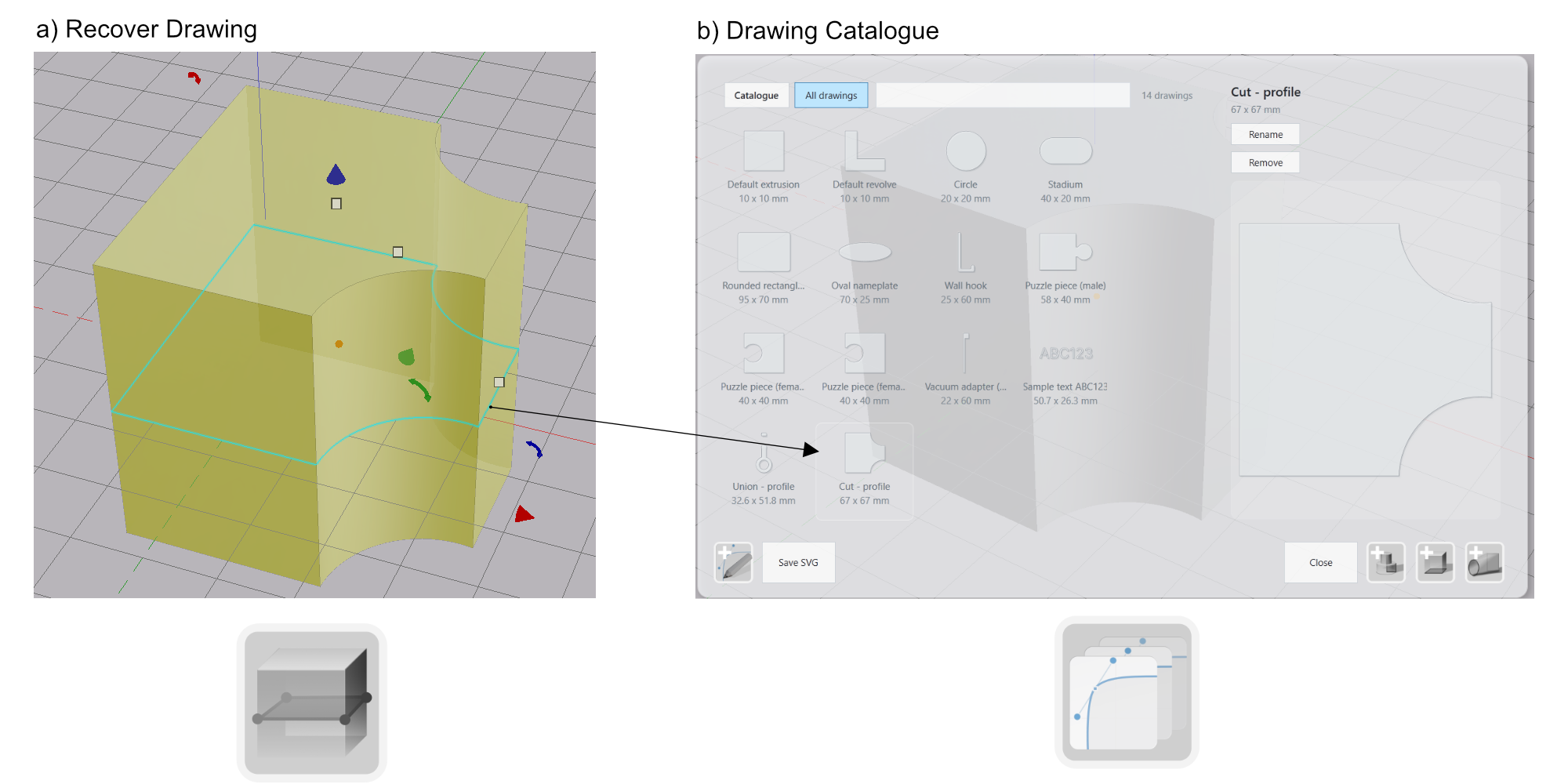
Recovering a Drawing
- Position the shape so that the ground plane cuts through it where you want the section.
- Select the shape.
- Click Recover Drawing in the toolbar.
The drawing appears in the catalogue.
Note: The button is disabled while the selected shape does not cross the ground plane. If the section is not a well-formed outline, no drawing is created.
What the Drawing Contains
The drawing follows the mesh of the shape, so it is mostly composed of straight segments that match the tessellation. Circular and rectangular sections are recovered as circles and rectangles.