Navigating the Viewport
Orbit, zoom, and pan the 3D viewport — and reset the view to the default perspective.
Three mouse actions control your view of the model. In AdaShape, your point of view is called the camera — none of these actions move the model, they only move the camera.
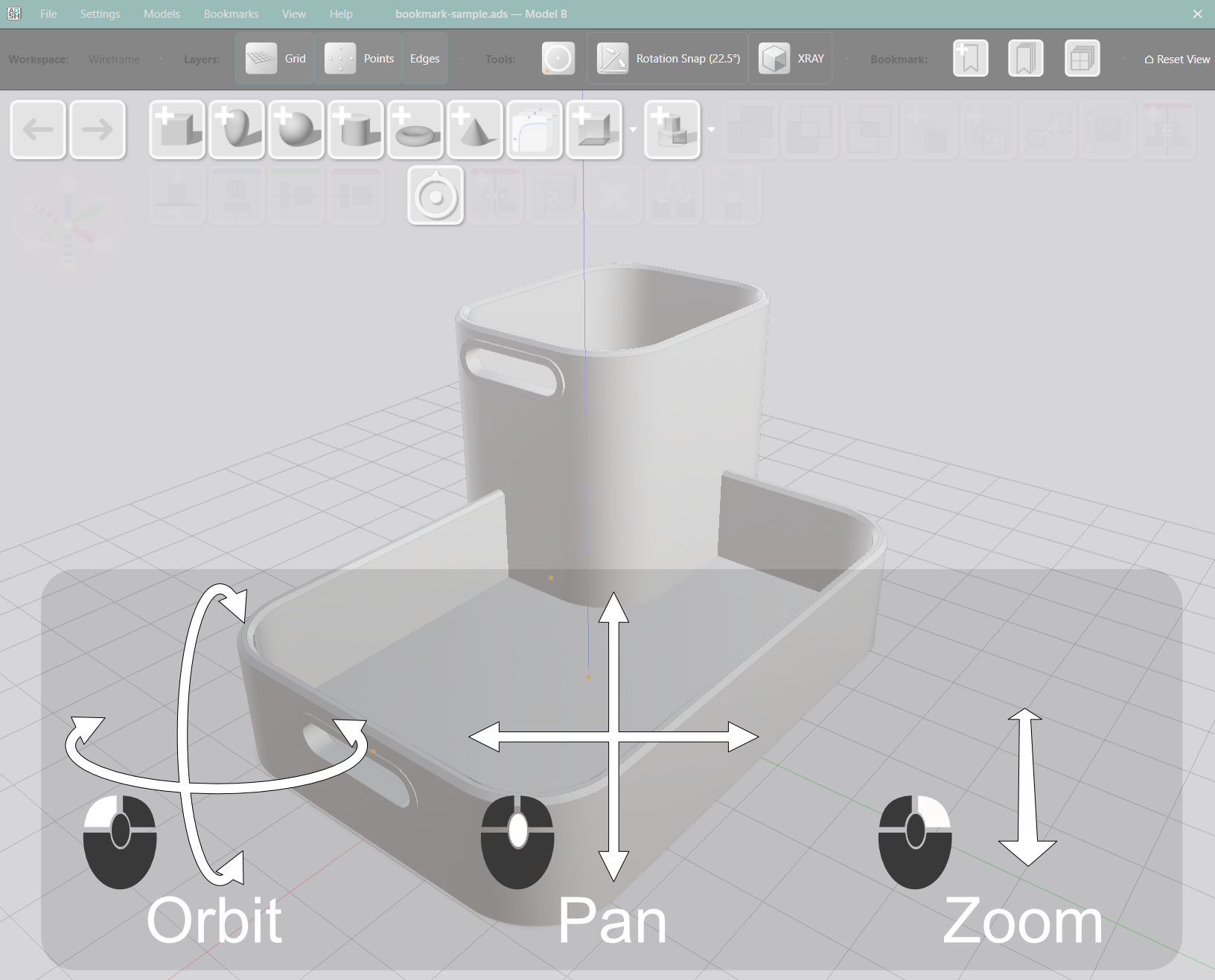
Orbit
Left-click and drag to rotate the view around the model. The camera pivots around the current orbit target. Orbit works from any angle, including directly above or below the model.
Zoom
Right-drag or scroll the mouse wheel to zoom in and out. The camera moves toward or away from the orbit target.
Pan
Middle-click and drag to pan. The camera moves laterally without rotating — useful for repositioning the view when you are working close in.
Keyboard Movement
The W, A, S and D keys move the camera. W and S move it forward and back. A and D move it left and right. Use the keys to move the camera through a large model.
Reset View
Click Reset View in the workspace toolbar to return the camera to the default perspective. The button sits in the toolbar row alongside the other workspace controls.
Use Reset View any time the model is off-screen or the angle has become inconvenient.