Torus
Create a torus — a donut shape — with configurable major and minor radii.
A torus is a surface of revolution: a circle swept around an axis to produce a donut shape. Use it for rings, gaskets, decorative bands, and rounded loop features.
Adding a Torus
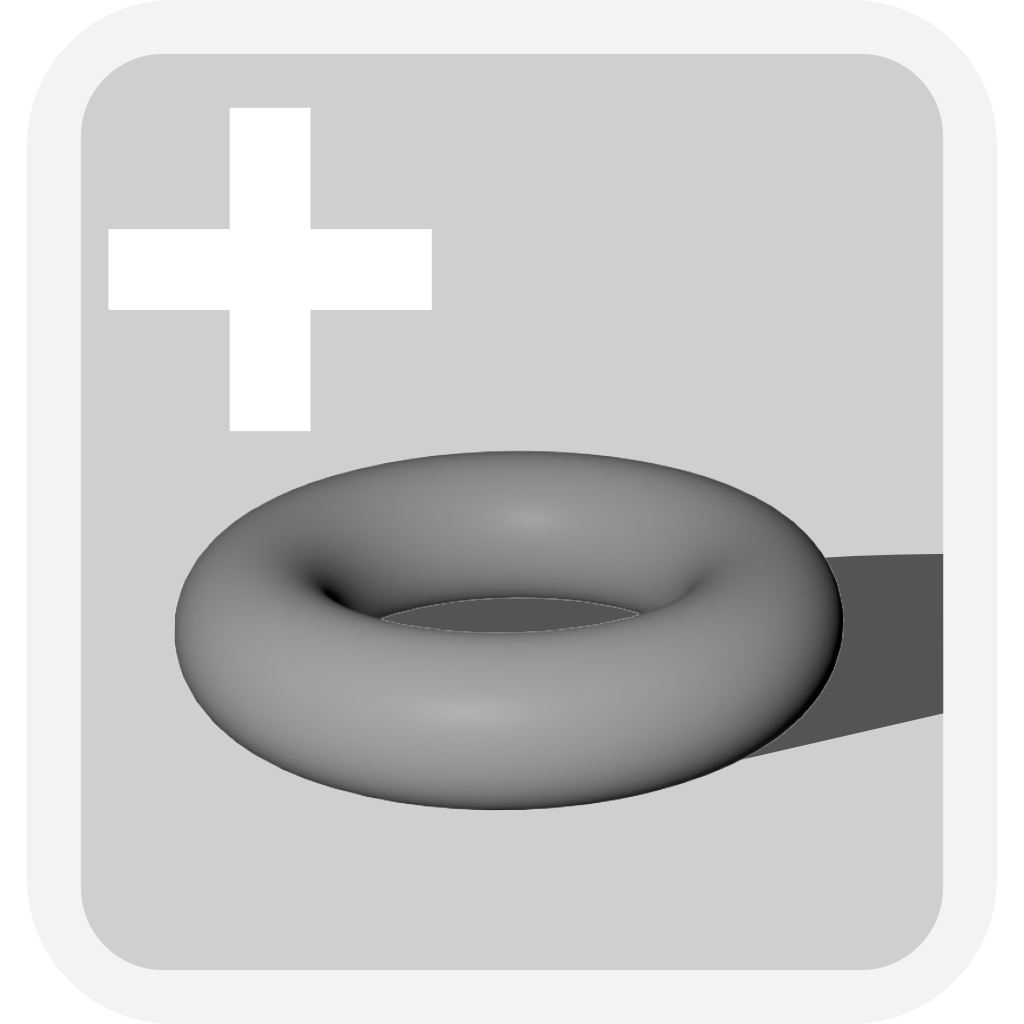
Click the Add Torus button in the toolbar. A torus appears in the scene, lying flat with its axis pointing up.
Parameters
Select the torus to see its parameters in the Value References panel.
| Parameter | What it controls |
|---|---|
| Major Radius | Distance from the center of the torus to the center of the tube |
| Minor Radius | Radius of the tube itself |
The overall outer diameter is (Major Radius + Minor Radius) × 2. The hole through the center has a diameter of (Major Radius − Minor Radius) × 2. If the minor radius equals or exceeds the major radius, the hole closes and the shape becomes a pinched sphere.
Common uses
A torus cut into another object creates a recessed ring groove — useful for O-ring seats, decorative channels, or snap-fit features. As a solid, it serves as a ring or band that can be scaled non-uniformly for oval variations.