Rounding
Round every edge of a shape with one radius.
Rounding fillets every edge of the selected shape with the same radius. A case or a knob is more comfortable in the hand with its edges rounded, and a rounded corner is less likely to crack under stress.
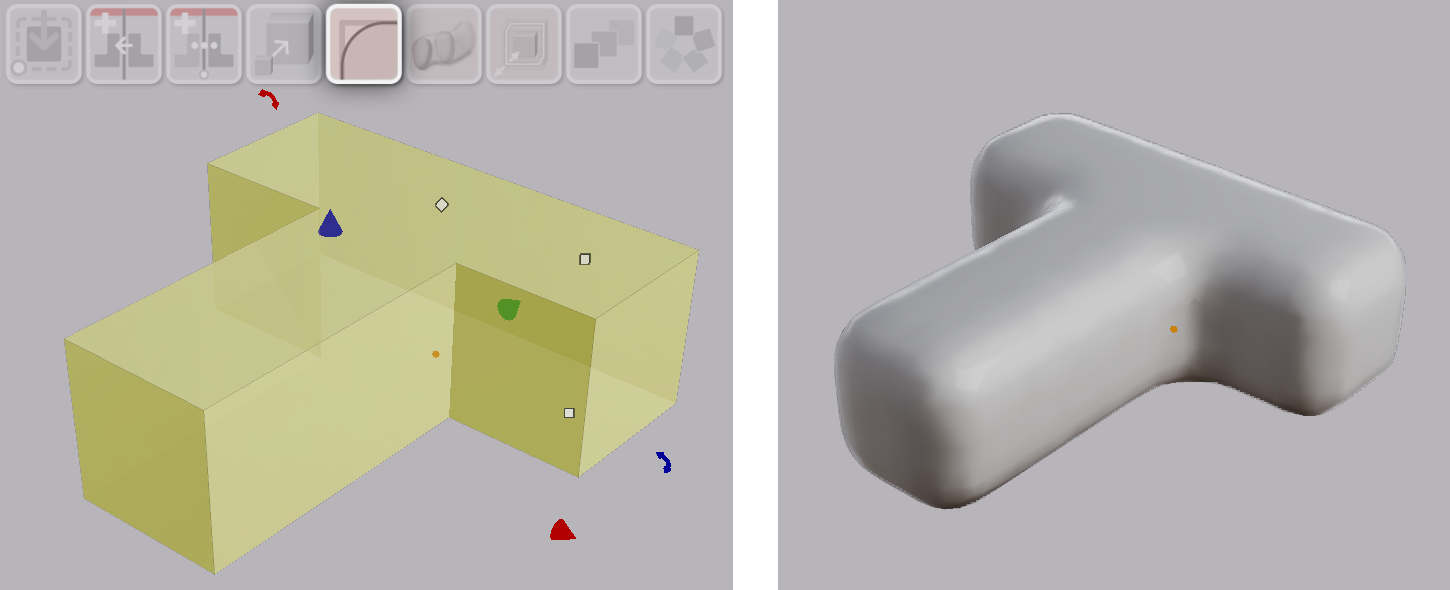
Rounding a Shape
- Select a shape.
- Click Round in the toolbar.
The shape is rounded with the starting radius. The starting radius is one-fifth of the shape’s smallest dimension, capped at 1.0 in the current display unit.
Parameters
| Parameter | What it controls |
|---|---|
| Radius | The radius applied to every edge |
Type a value into the Radius field in the Value References panel. The whole shape re-rounds. There is no on-screen widget for the radius, because each change takes a moment to compute.
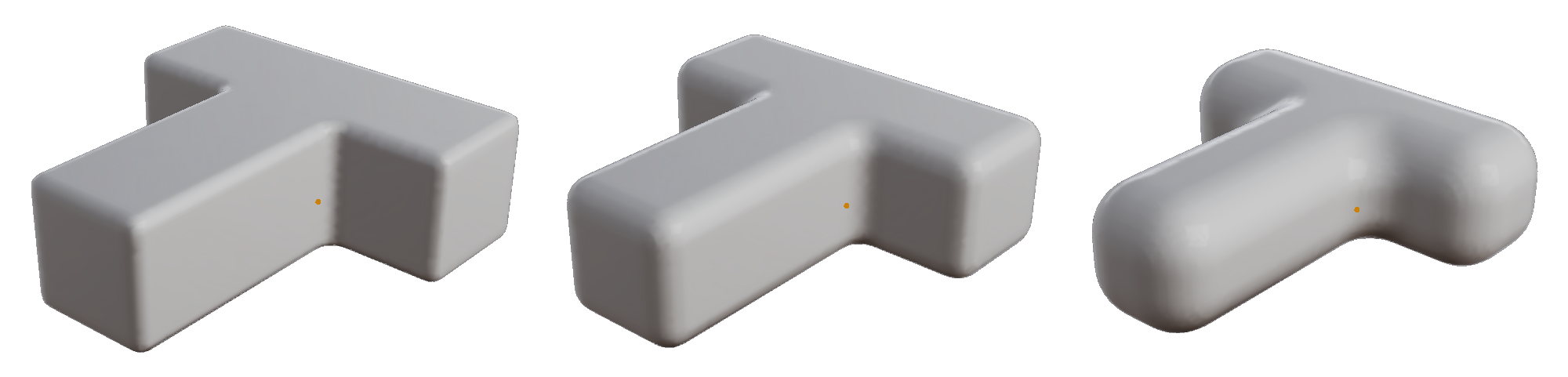
Note: The radius applies to every edge. There is no per-edge selection.
Note: A radius larger than the part can carry leaves an outline box in place of the shape. Reduce the radius. The shape returns.
If the rounded surface looks coarse, raise the tessellation resolution.