Extrusions
Extend a 2D profile drawing into a 3D solid — the core shape-making workflow in AdaShape.
An extrusion takes a 2D profile drawing and pushes it through space to create a 3D solid. The profile is the cross-section of the result — draw any shape in the Drawing Editor and the extrusion gives it depth.
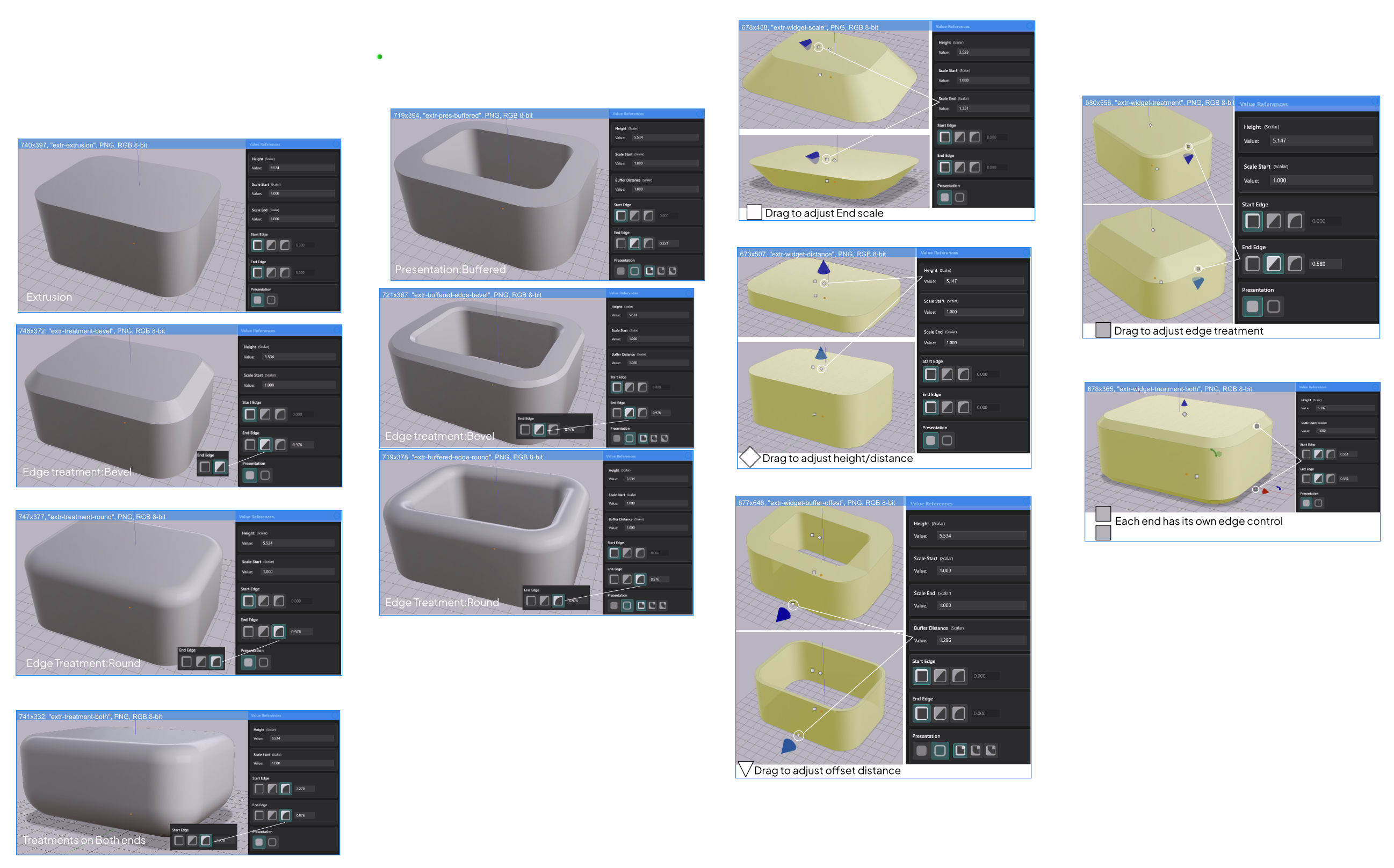
Creating an Extrusion
There are two ways to create an extrusion:
Add Shape from the toolbar — click the Add Shape button. The Drawing Editor opens immediately so you can draw the profile. When you close the Drawing Editor, the extrusion appears in the scene.
Import an SVG file — drag an SVG file directly into the viewport, or use File → Import SVG. AdaShape reads the vector data and automatically creates an extrusion from it. No extra steps needed.
Editing the Profile
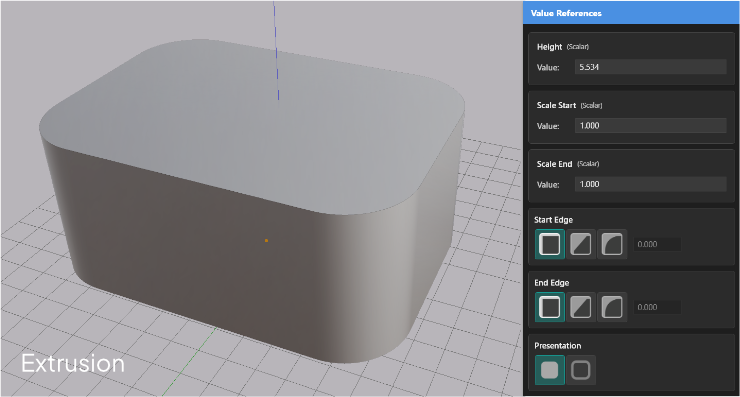
To change the profile shape, select the extrusion and click Edit Drawing in the Value References panel. The Drawing Editor opens with the current profile loaded. Edit, then close the editor — the extrusion updates immediately.
Key Parameters
Select an extrusion to see its parameters in the Value References panel.
| Parameter | What it controls |
|---|---|
| Presentation | Solid or Buffered mode |
| Height | How far the profile is extruded |
| Scale Start | Scale of the profile at the start end |
| Scale End | Scale of the profile at the far end |
| Start Edge | Edge treatment on the start face |
| End Edge | Edge treatment on the end face |
On-Screen Widgets
When an extrusion is selected, interactive widgets appear directly on the shape.
| Widget | What it does |
|---|---|
| White diamond | Drag to change Height |
| White squares | Drag to change Scale Start or Scale End |
| White triangle | Drag to change buffer distance (Buffered mode only) |
| Gray rectangle | Drag to change edge treatment offset |
In This Section
- Solid and Buffered Extrusion — choose how the profile is interpreted
- Height and Taper — set depth and create tapered shapes
- Edge Treatments — chamfer or fillet the start and end edges
- Solid and Buffered Extrusion Choose between Solid (closed profiles become filled shapes) and Buffered (profile lines become walls with thickness).
- Height and Taper Set extrusion height and taper the shape by scaling the profile at each end.
- Edge Treatments Apply Chamfer or Fillet to the start and end edges of an extrusion for beveled or rounded edges.