Spline Tool
Draw free-form paths with bezier curves — click for corners, drag for smooth curves.
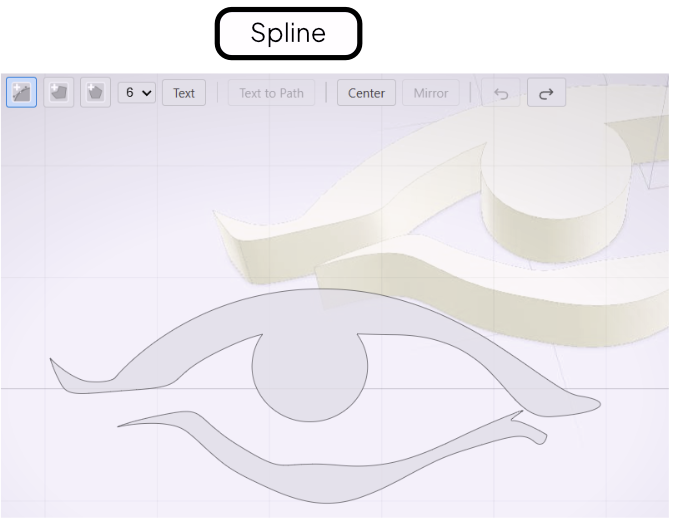
The Spline tool draws free-form bezier paths. Use it for organic, irregular shapes that neither the Polyline nor the primitive shape tools can capture cleanly.
Placing Points
Select the Spline tool from the toolbar. Click to place a corner point with a sharp angle. Click and drag to place a smooth point — dragging pulls out control handles that curve the path into and out of that point.
Closing or Leaving Open
To close the path, click the first point you placed. Closed paths extrude as solid cross-sections. To leave the path open, double-click or press Enter — open paths extrude as wall or ribbon geometry.
Adjusting the Path
After placing points, you can drag any point to reposition it. Control handles on smooth points can be dragged independently to refine the curve.