Alignment Tools
Place objects flush with the ground plane or center them relative to each other along any axis.
The alignment tools move selected objects to consistent positions. Select one or more objects, then click the tool you want. The operation applies immediately.
Floor Alignment
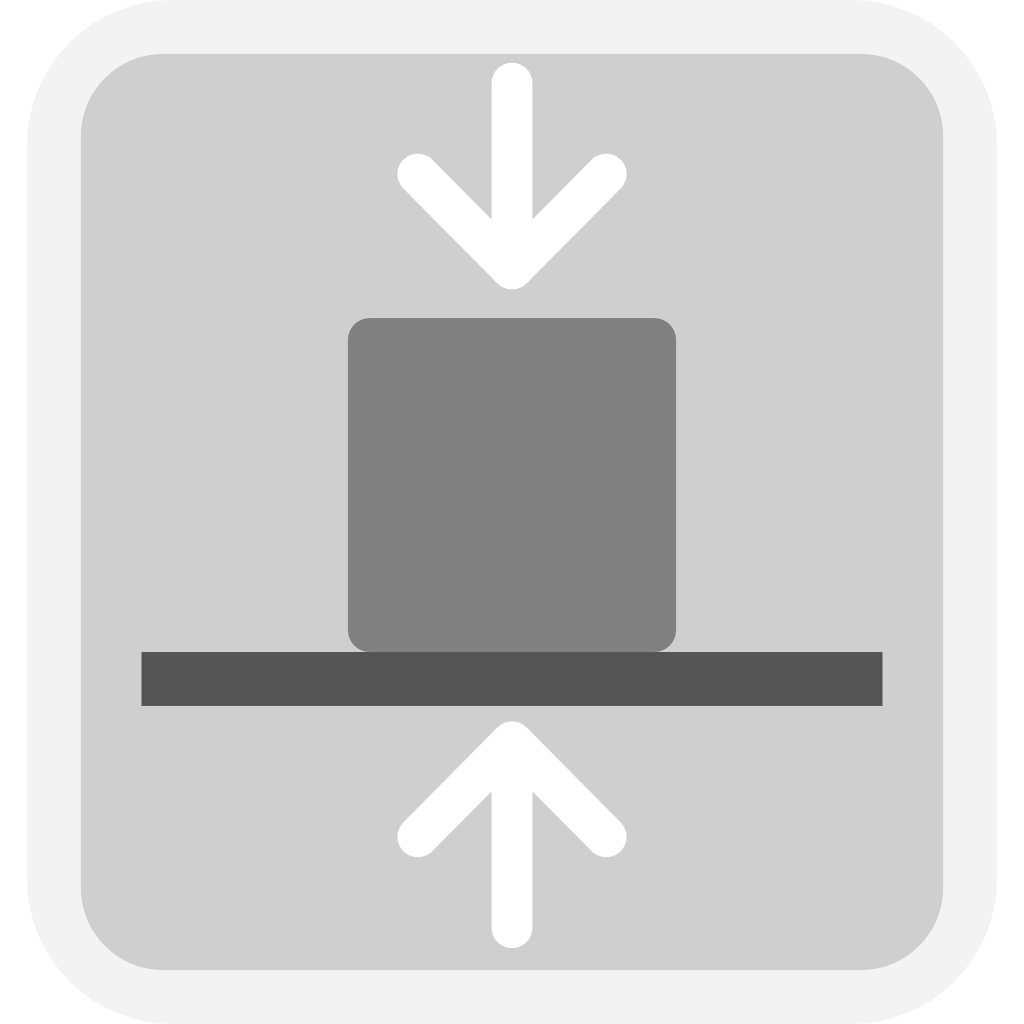
Align to Floor moves the selected object so its lowest point sits exactly at Z = 0. Use this to place any object flush with the ground plane regardless of its current height. Works on single or multiple selected objects — each moves independently to the floor.
Center Alignment
These tools align the centers of two or more selected objects within a shared plane. Select all the objects you want to center together, then click the tool.
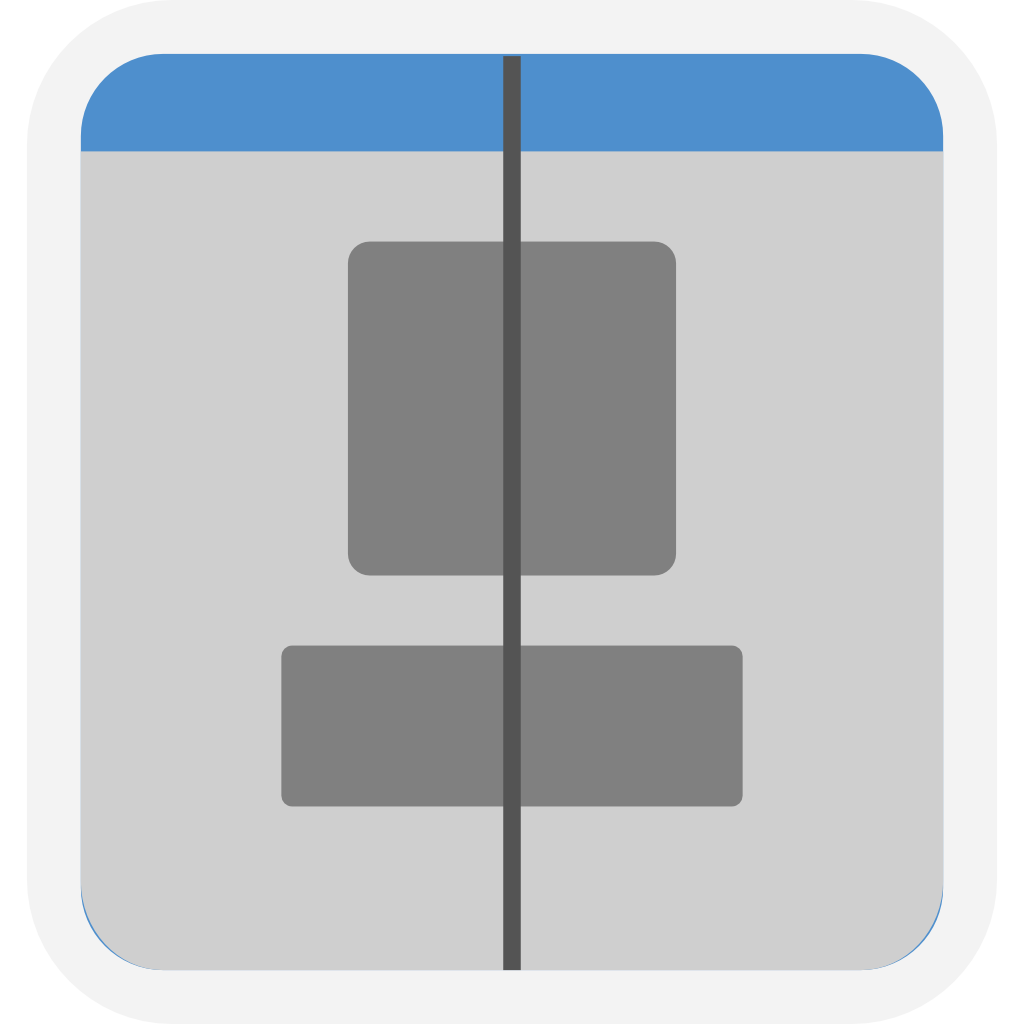 |
Center in XY plane Aligns centers along Z — all selected objects end up at the same Z midpoint. |
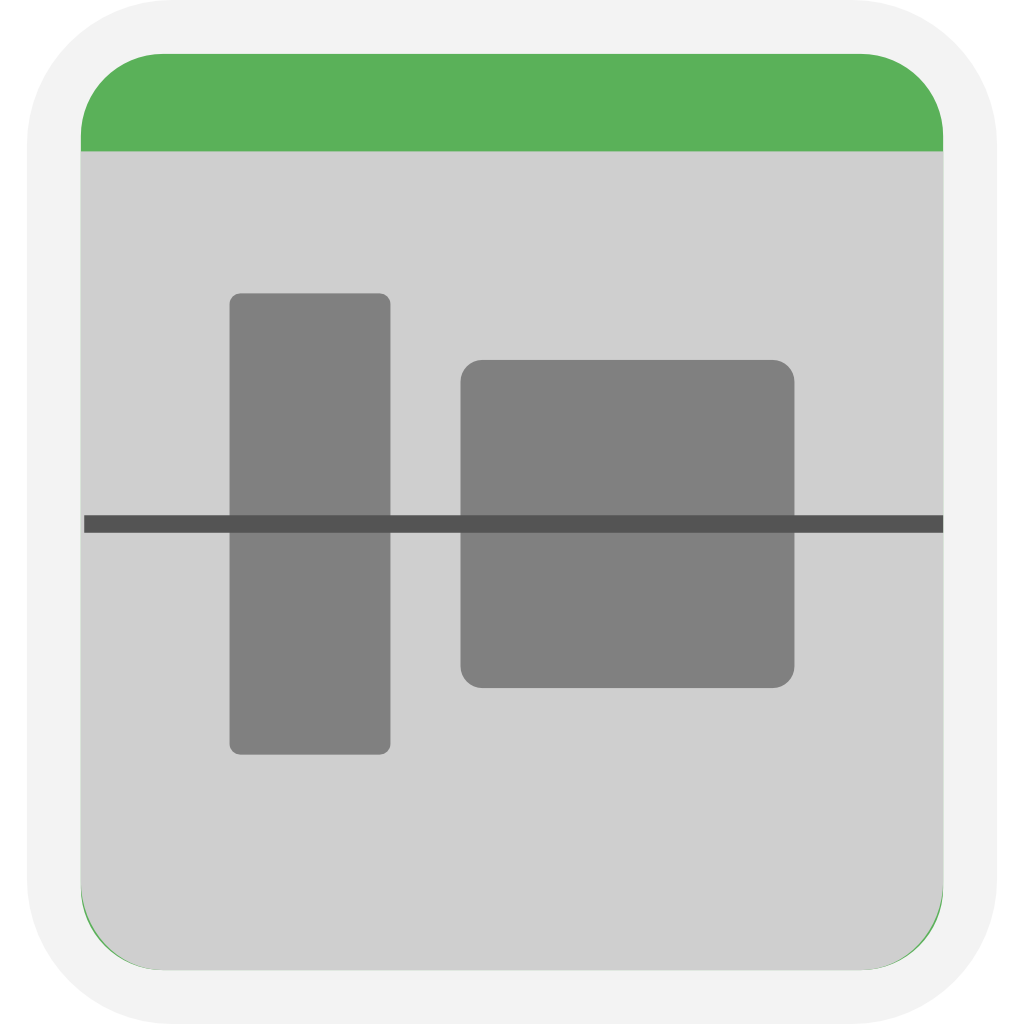 |
Center in XZ plane Aligns centers along Y — all selected objects end up at the same Y midpoint. |
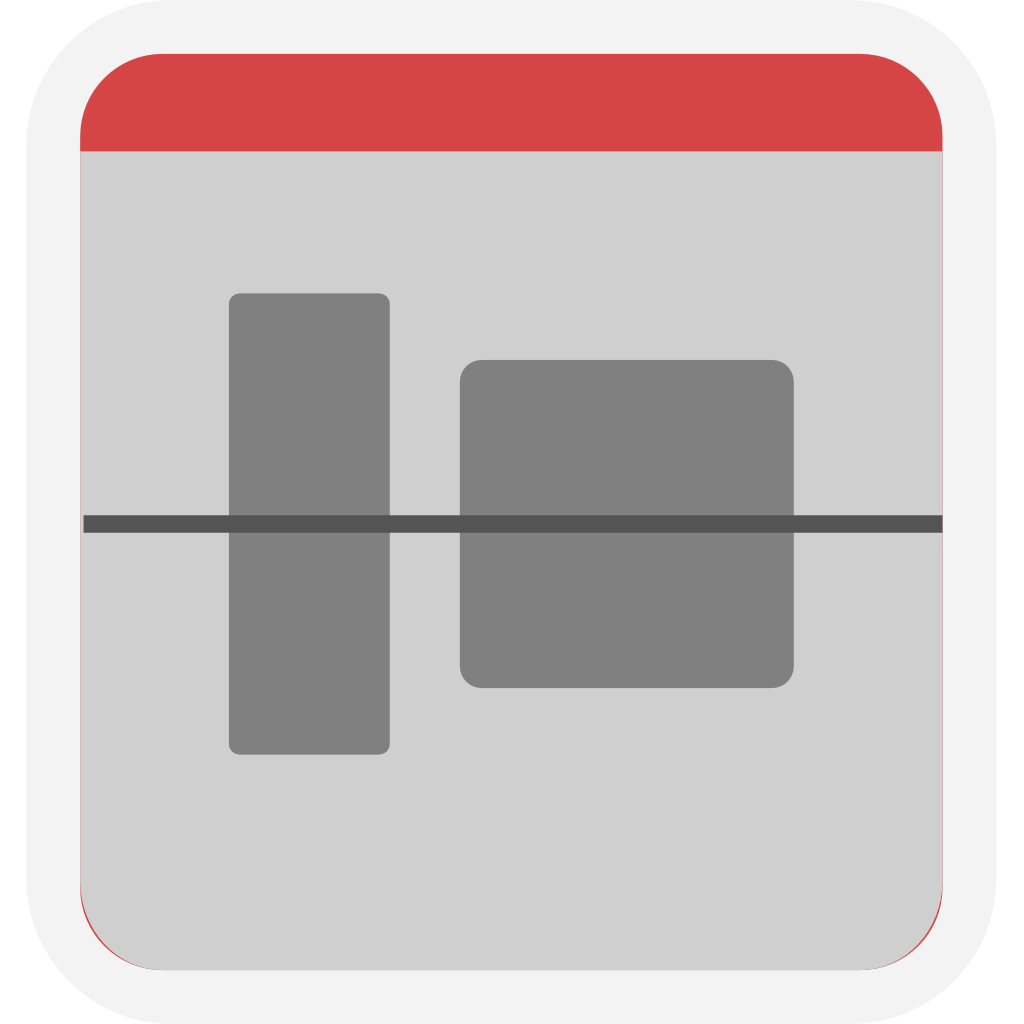 |
Center in YZ plane Aligns centers along X — all selected objects end up at the same X midpoint. |