Volumetric Tools
Round every edge, merge shapes into one flowing solid, or inflate and deflate a surface. These tools work on the whole volume of a shape.
Volumetric tools work on the volume of a shape rather than on its edges and faces. Each tool changes the whole shape at once, or several shapes together. They work on any shape in the scene, including an imported mesh.
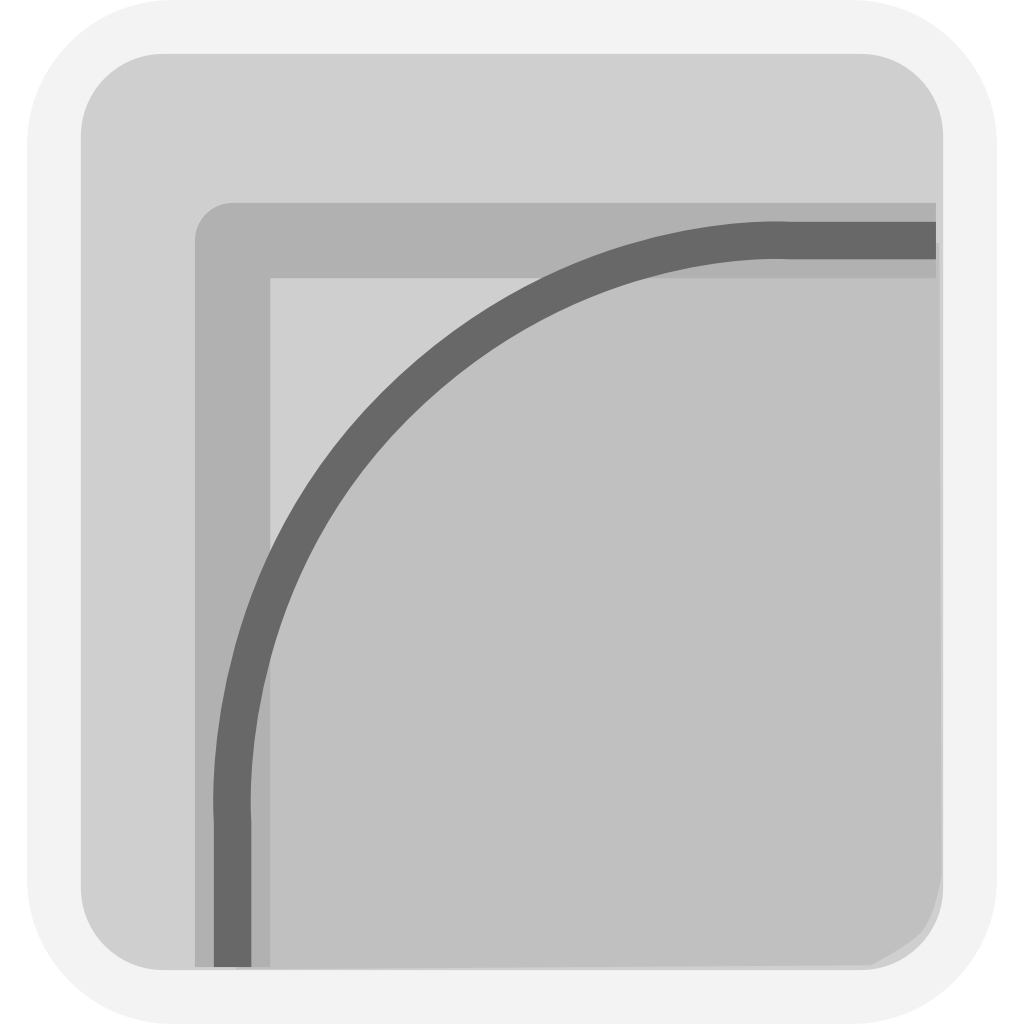 |
Rounding Rounds every edge of a shape with one radius. |
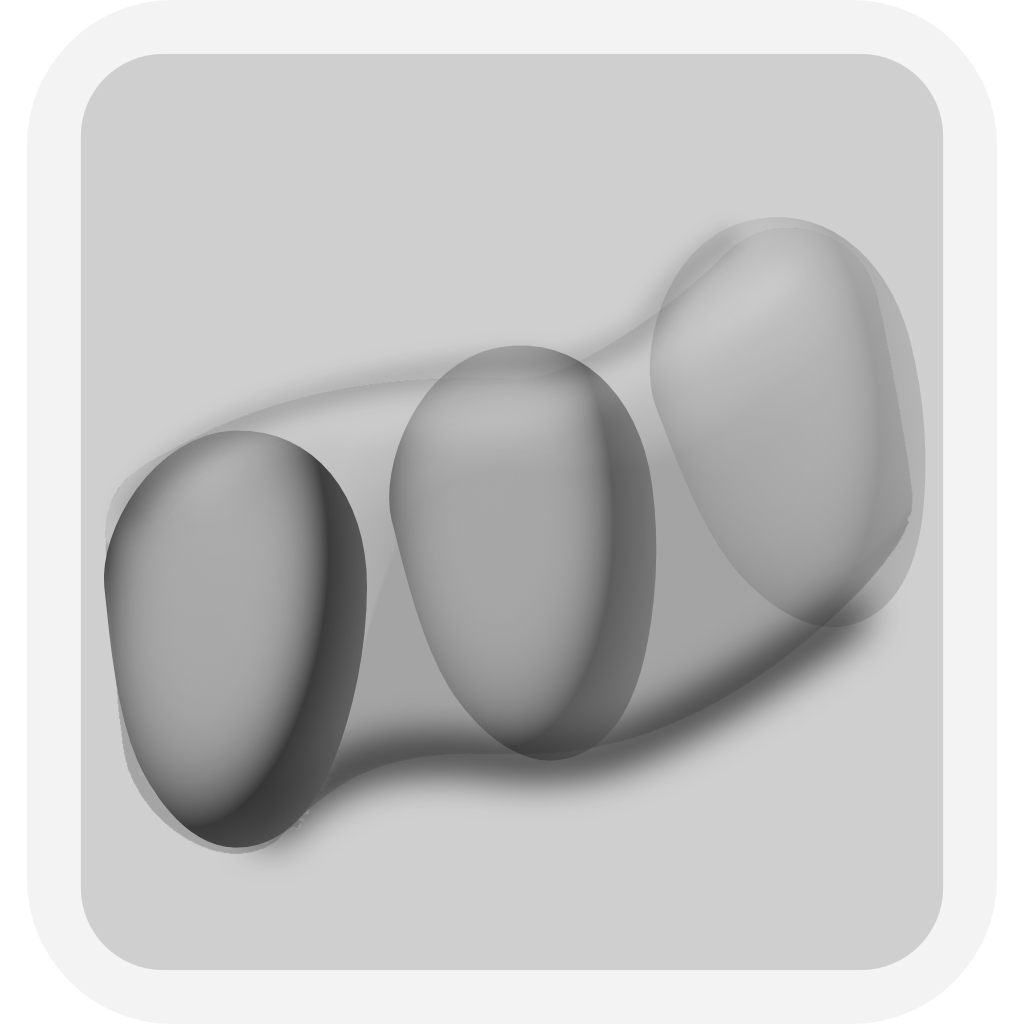 |
Sweep Merges an ordered selection of shapes into one solid that flows from shape to shape. |
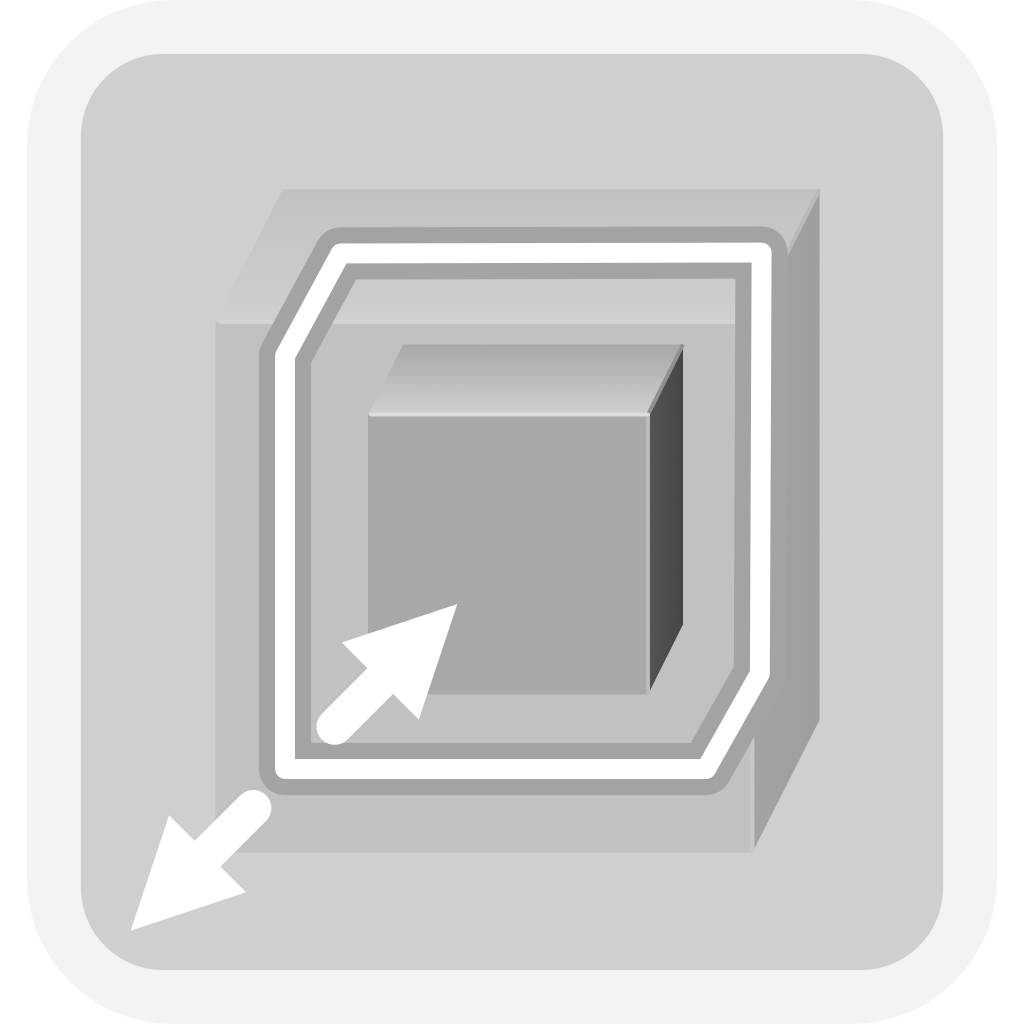 |
Surface Offset Inflates or deflates the whole surface of a shape by one distance. |
Boolean unions have a volumetric option of their own. Blend rounds the seam of a union, and Meld also bridges gaps between its parts.
Resolution and Speed
The tessellation resolution sets how fine the result is. If a rounded edge or a blended seam looks coarse, raise the resolution. A volumetric operation takes longer to compute than other modeling operations, and it takes longer at a higher resolution.
Simplify, under Settings → Tessellation, has two values, On and Off. Set to Off, the default, it keeps full mesh detail on Rounding, Sweep and Surface Offset. Set to On, it re-solves them faster with a leaner mesh. You can switch between the two at any time. Simplify does not affect Blend and Meld.
When a Shape Cannot Be Produced
An edit can push a shape past what it can carry: a rounding radius larger than the part, or an offset too far inward. The part then stays in the scene as a selectable outline box, sized and placed where the part would be. Its values stay editable in the Value References panel. Correct the value that caused the problem. The shape returns.
- Rounding Round every edge of a shape with one radius.
- Sweep Merge an ordered selection of shapes into one solid that flows from shape to shape.
- Surface Offset Inflate or deflate the whole surface of a shape by one signed distance.