Split
Divide one shape by another into two complementary pieces — the part outside the second shape and the part inside it.
Split divides one shape by another into two pieces in one operation. The first piece is the part of the first shape that lies outside the second shape. The second piece is the part that lies inside it. Together the two pieces reconstruct the original exactly.
Use Split to divide a part into printable halves, to carve off a feature region, or to make matched joint pairs.
Splitting One Shape by Another
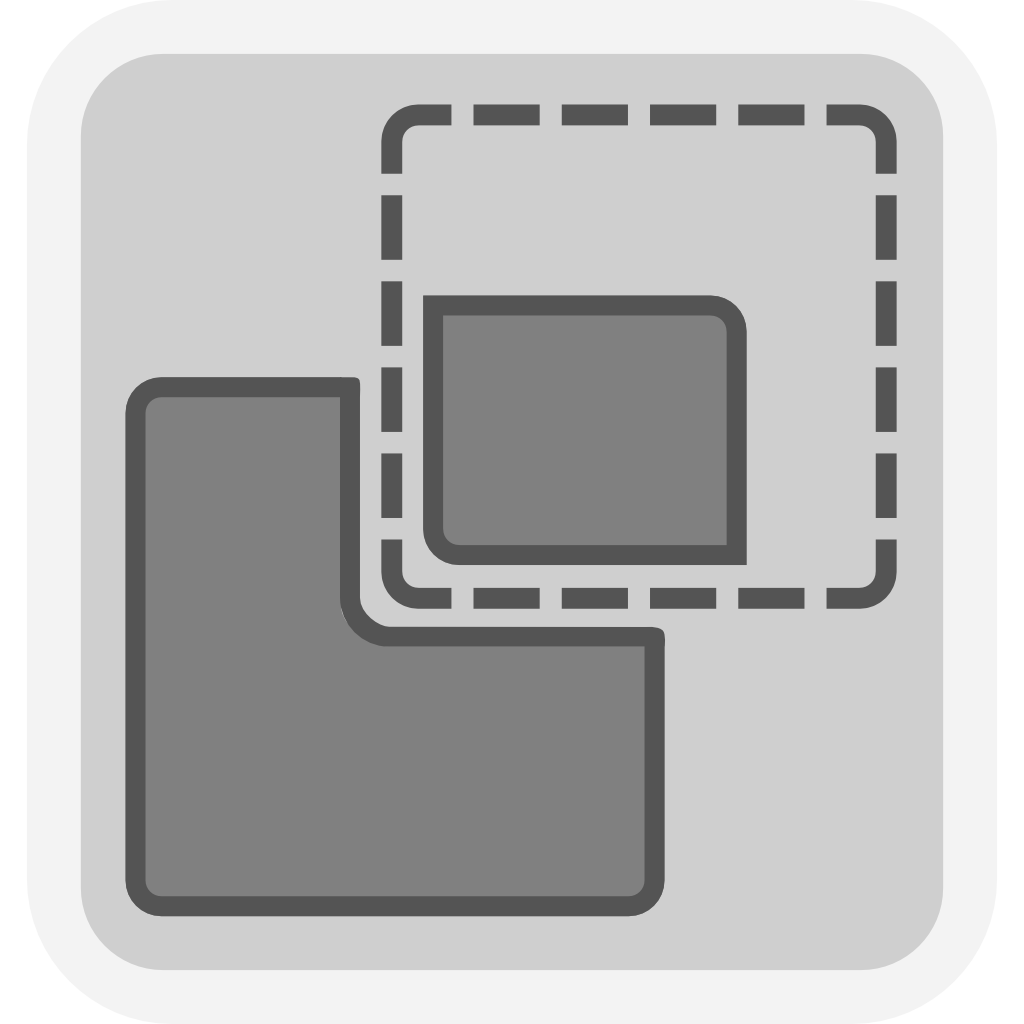
- Select the shape to split.
- Then select the shape that defines the cut.
- Click Split in the toolbar.
The first shape is replaced by the two pieces. The second shape stays in the scene unchanged.
Both pieces start where the original stood, so they overlap on screen. Drag them apart to tell them apart, or to lay them out for printing.